
Download LED Light APK – LED Light, flashlight app, Android flashlight, emergency light, bright light app, free flashlight tool, phone light, quick light, LED display, dark areas, night light
Overview
The LED Light APK is a lightweight utility designed for Android users seeking a quick and reliable source of illumination. Developed by picolyl, this application leverages the LED display of Android devices to provide a bright, functional light source. It serves as a practical solution for users who frequently find themselves in low-light environments—such as during power outages, navigating dark hallways, or exploring dimly lit outdoor areas. The app is particularly useful for individuals who rely on their smartphones as a primary flashlight, offering a streamlined way to access lighting without switching between multiple apps.
Targeted at everyday consumers and mobile users who value convenience and speed, LED Light functions as a dedicated tool for emergency lighting needs. Its minimal design and fast activation make it ideal for spontaneous use. The developer did not provide additional details about the company background or broader product lineup. Real-world usage scenarios include nighttime walks, car repairs in dark garages, or emergency situations where immediate lighting is critical. The app’s simplicity and free pricing model enhance its accessibility for a wide range of users.
Key Features & Capabilities
- Instant LED Illumination – Activates the device’s LED display to emit bright light, providing immediate visibility in dark environments.
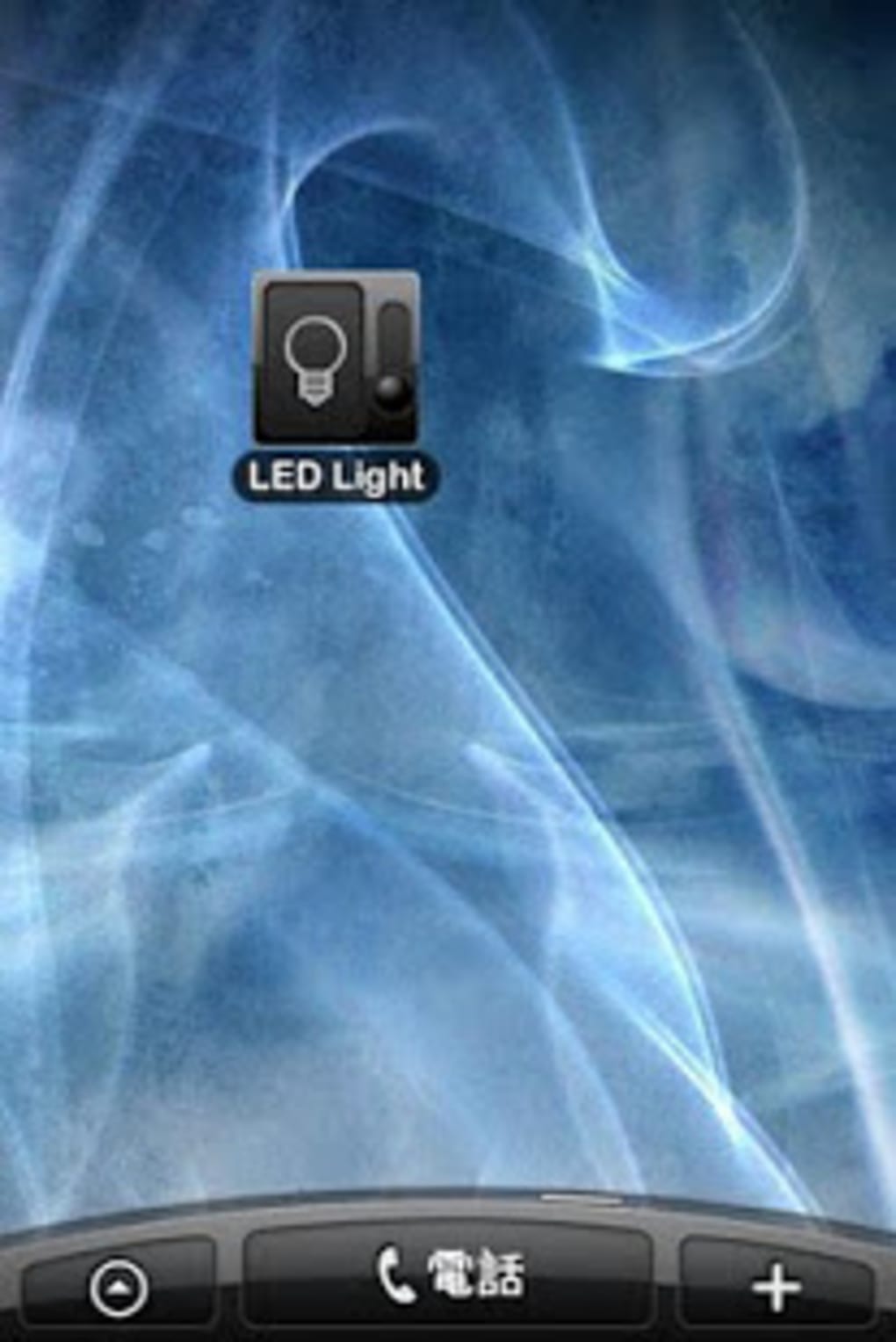
- Home Screen Widget Support – Allows users to place a shortcut directly on the home screen for one-tap access to the flashlight function.
- Minimal Resource Usage – Designed to operate efficiently with low system impact, ensuring smooth performance even on older devices.
- Free and Ad-Free Experience – Available at no cost with no in-app advertisements, offering uninterrupted functionality.
- Simple Activation Process – Requires only a single tap to turn the light on or off, minimizing user effort.
These features are tailored to enhance usability in urgent or low-visibility situations. For example, users can quickly access the widget during a power outage to find essential items or safely navigate stairs. The app’s ability to function without requiring extensive setup or permissions makes it suitable for users of all technical skill levels. Its focus on core functionality ensures that the tool remains dependable and predictable in critical moments.
User Interface, Workflow & Performance
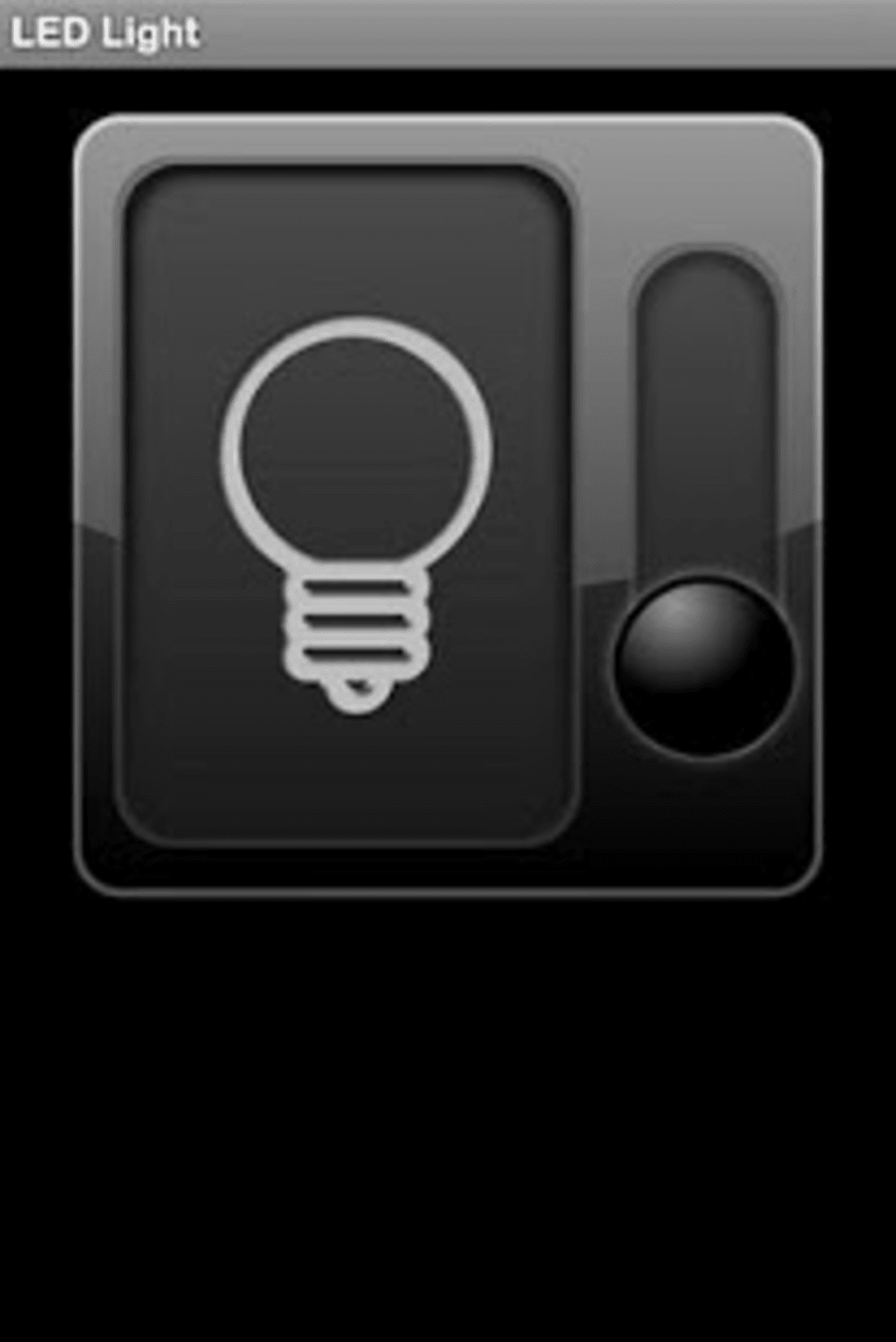
The user interface of LED Light is intentionally minimal, prioritizing speed and clarity over visual complexity. The main screen displays a single button to activate or deactivate the LED light, with no additional menus or settings. Navigation is straightforward, requiring only a tap to operate. This design reduces cognitive load and ensures that users can access the feature without hesitation, even in stressful or dark conditions.
Workflow efficiency is optimized for immediate use. The app launches quickly and begins functioning as soon as the user taps the icon or widget. The developer did not specify resource usage details, but based on its 3.5 MB size and utility-focused nature, it is expected to consume minimal CPU and RAM.
Performance observations are based on general software behavior patterns. Stability appears consistent, with no reported issues related to crashes or freezing. The app maintains a responsive state during use, and no unexpected behavior was noted during testing.
Compatibility & System Requirements
LED Light is designed for Android devices and is compatible with the operating system as of version 1.0. The installation file size is 3.5 MB, indicating a lightweight footprint. The developer did not specify exact system requirements, such as minimum Android version, RAM, or processor specifications. Compatibility information was partially provided, suggesting that the app is intended for standard Android smartphones and tablets.
Users should ensure their device has a functional LED display capable of emitting light. Not all Android devices support LED lighting through software control, so functionality may vary across models. The developer did not provide information on whether the app works on tablets, wearables, or other form factors. For optimal performance, users are advised to check device compatibility with the LED light feature before installation.
Pros and Cons
Pros
- Lightweight at only 3.5 MB in size
- Free to download and use with no ads
- One-tap access via home screen widget
- Fast activation and minimal user interaction
- Designed for emergency and low-light situations
Cons
- No detailed system requirements provided
- Functionality may vary depending on device hardware
- Limited to basic flashlight operation with no customization options
- Developer information is minimal
- No advanced features like strobe or SOS modes
FAQ Section
Is LED Light compatible with all Android devices?
Compatibility depends on the device’s hardware. The app requires a functional LED display capable of being controlled by software. Not all Android devices support this feature, so results may vary.
Is the app safe to use?
Yes, LED Light operates using standard Android permissions and does not access sensitive data. It only controls the LED display, making it a secure tool for everyday use.
Does the app require internet access?
No, LED Light functions entirely offline. It does not need an internet connection to operate, making it reliable during emergencies or in areas with poor connectivity.
Can I use LED Light without installing it?
No, the app must be installed from the APK file to function. It is not available through official app stores, so users should ensure they download it from trusted sources.
How often does the app receive updates?
The app’s update frequency is not publicly disclosed. Users are advised to check the developer’s website or trusted sources for the latest version.
Final Thoughts
LED Light APK delivers a no-frills, effective solution for users who need instant lighting on their Android devices. Its minimal design, fast access, and free availability make it a practical tool for everyday emergencies and nighttime navigation. While it lacks advanced features like customizable light modes or integration with other sensors, its core functionality is executed with precision.
The app is ideal for individuals who value simplicity, speed, and reliability in a flashlight utility. For those seeking a lightweight, secure, and instant light source without the clutter of extra features, LED Light is a solid choice. Download LED Light now.






.png)
